
OTAI Studio Control Panel
Configure agents, chatbots, and permissions inside your ticket system — without touching complex sysconfig files.
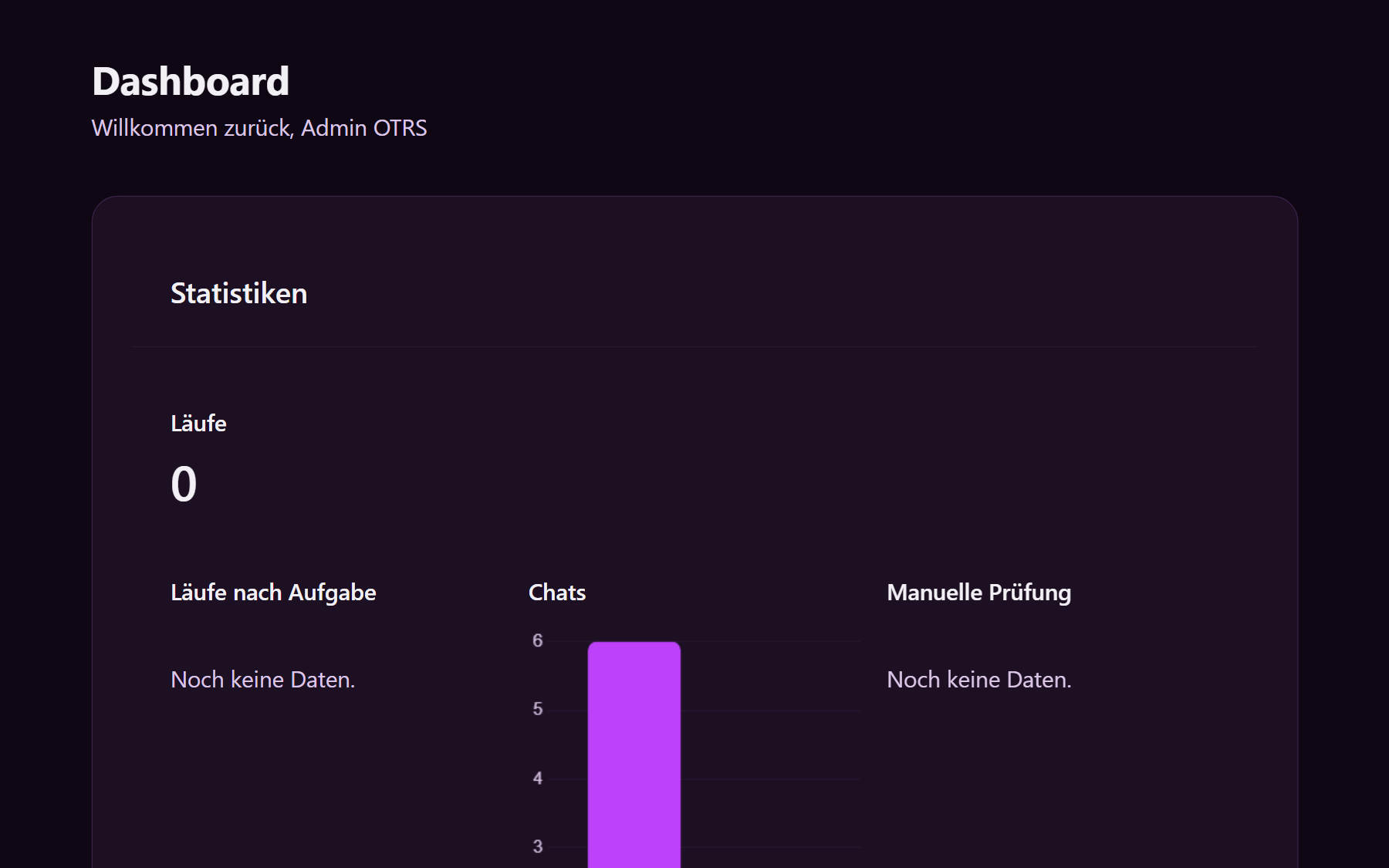
OTAI Studio is where you turn agents and chatbots on, see who may change them, and set the model that runs on this server. It opens from the helpdesk menu.
What you get
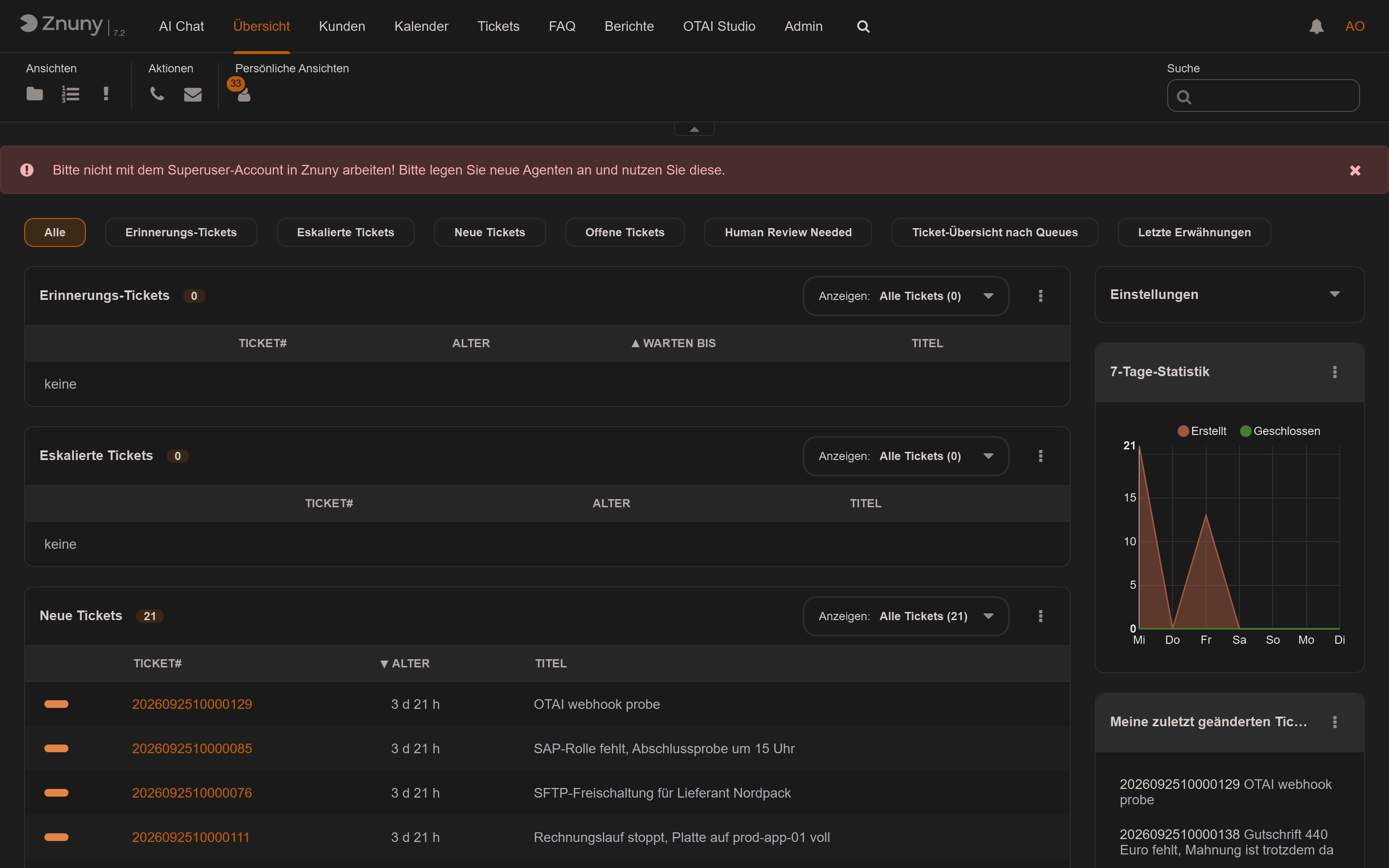
Inside the helpdesk
Studio is a menu item next to tickets, not a second admin product with its own login.
What is running
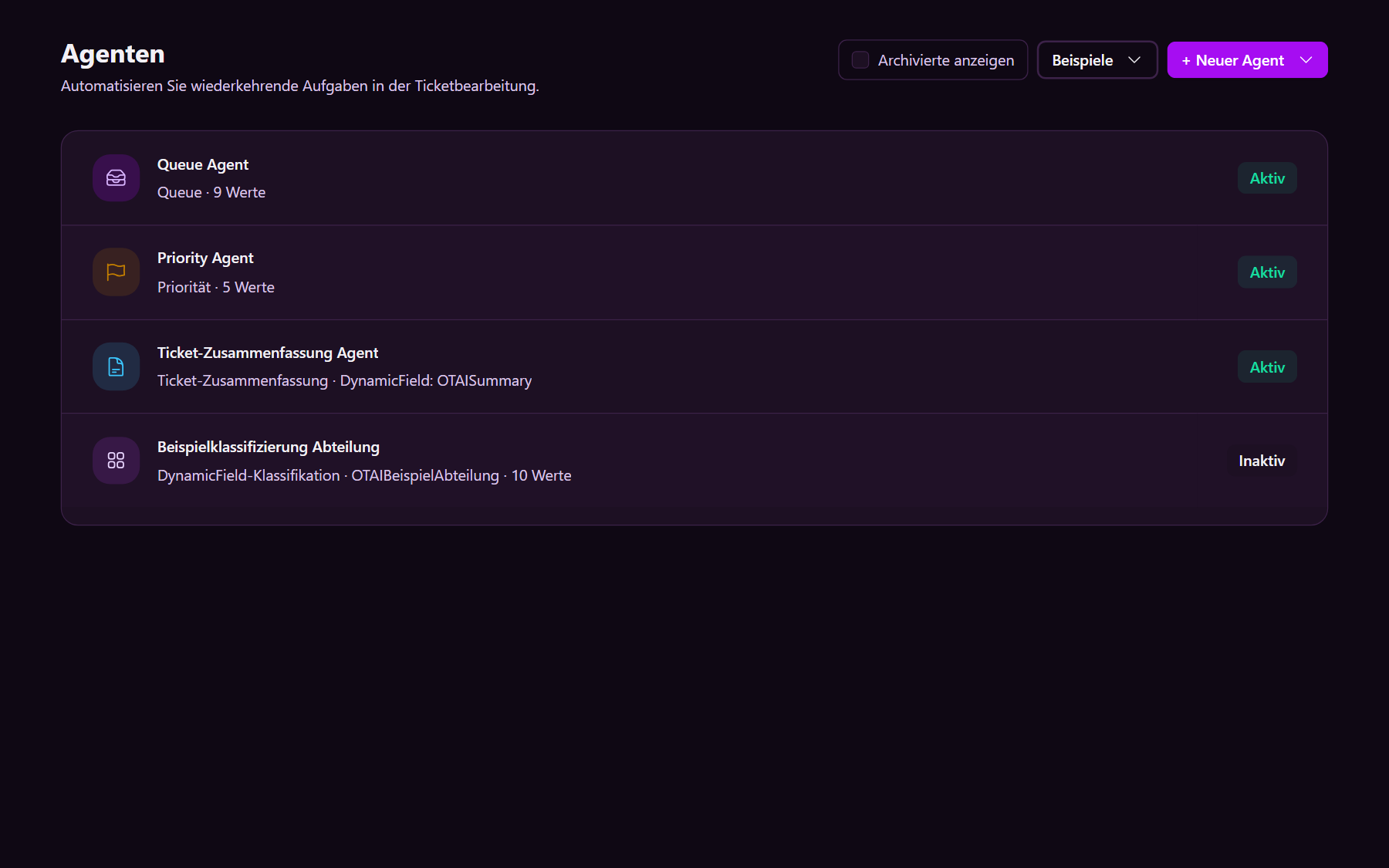
The agent list shows each job, whether it is active, and which field it writes. You switch one off without editing configuration files.
Fits this server
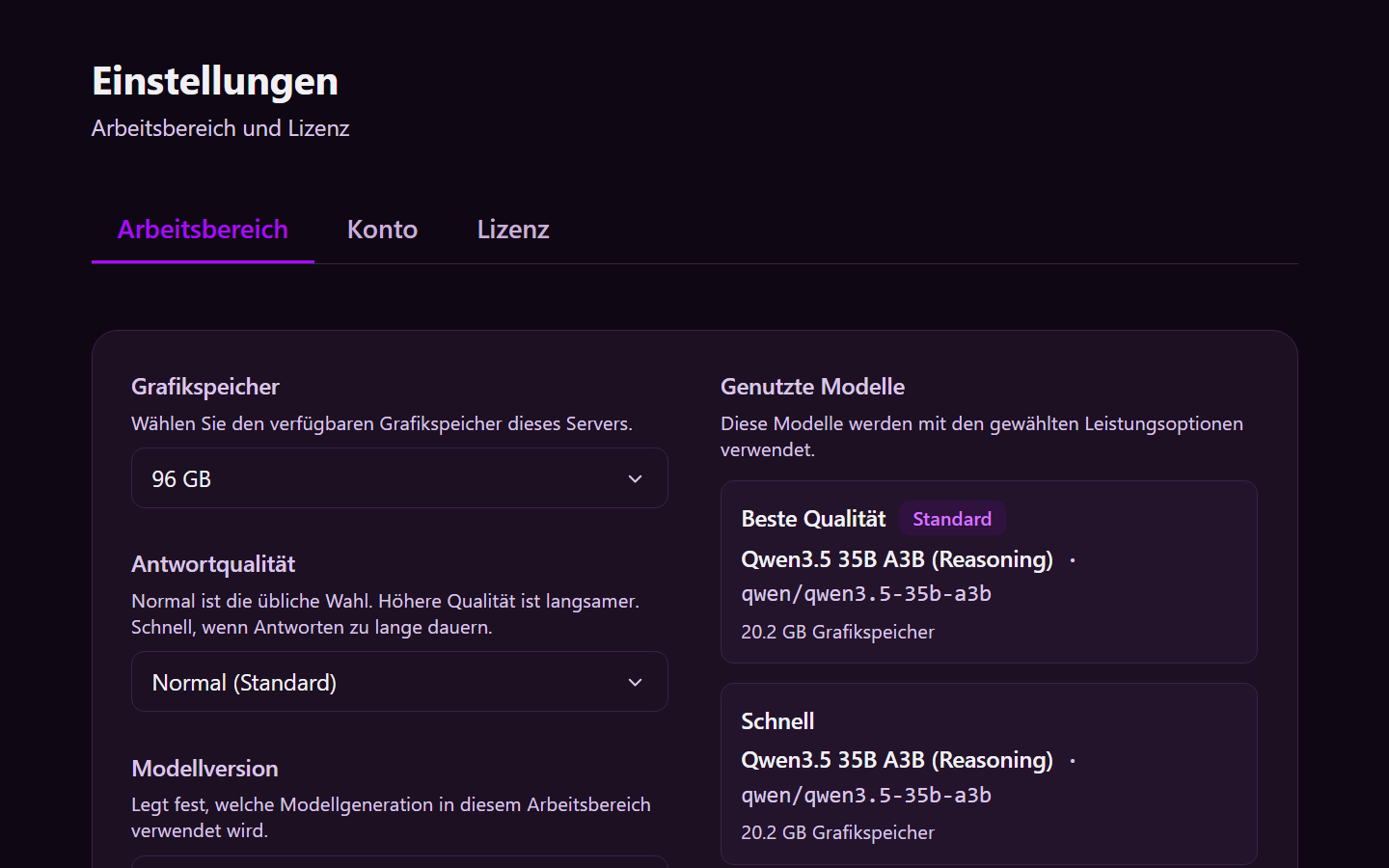
Settings name the GPU memory on this machine and the answer quality. The model runs there.
In the product
Other capabilities
- On-Prem Chatbot Public, customer, and internal chatbots grounded in your knowledge base — running entirely on your infrastructure.
- Multi-Attribute Classification Classify routing target, priority, and custom fields from your helpdesk setup — without exporting ticket payloads.
- Ticket Summary Short summaries written back to your ticket system, giving agents instant context without reading entire threads.
- Reply Drafts Suggested replies grounded in your knowledge base, helping agents respond faster and consistently.
- Title Rewrite Suggest clearer, structured ticket titles automatically generated from the conversation context.
- Field Extraction Extract structured data — such as IDs and reference numbers — directly into ticket fields.
- Rock-Solid Install Deploy with Docker alongside your helpdesk. Connectors for Zammad, OTOBO, Znuny, and more process tickets locally with direct writeback.