
Title rewrite AI tasks
Rewrite ticket titles safely with a confidence threshold.
Title rewrite AI tasks
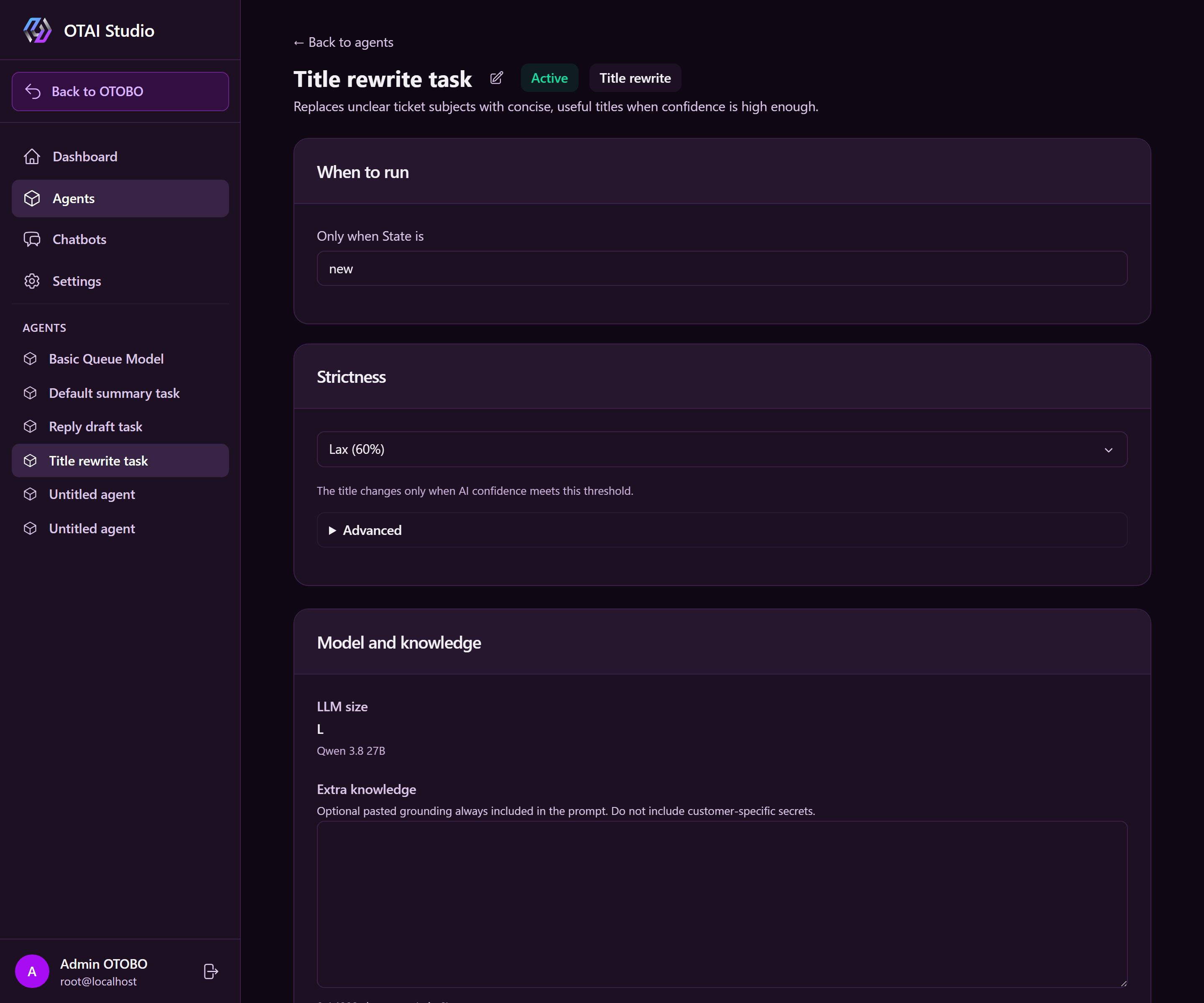
A title rewrite task replaces unclear ticket subjects with concise, useful titles. Runtime changes the native ticket title only when AI confidence meets the selected threshold and the suggestion contains 3–8 words and 10–40 characters.
Runtime attempts a rewrite once per ticket under When to run eligibility (typically state = new), then stamps confidence so the ticket is not rewritten again.
Prerequisite
For OTOBO and Znuny, install or update the OTAIMetadata package. It provisions
the {Prefix}TitleRewriteConfidence Text DynamicField. The default prefix is
OTAI and must match the Runtime configuration.
Zammad currently has no product path that automatically provisions the equivalent object attribute. Create the task there only after that attribute has been provisioned through an agreed process.
Create a task
- Open AI Tasks.
- Click + New AI task, then choose Title rewrite.
- Enter a name and select the LLM.
- Under When to run, set the ticket state (default: new).
- Select strictness: Lax (60%), Normal (80%), or Strict (90%).
- Optional: under Advanced, add guidance such as preserving product names.
- Save and activate the task.
Safety boundaries
- A suggestion below the threshold does not change the title.
- A suggestion outside the word and character limits does not change the title.
- A rejected attempt is still stamped, so Runtime does not repeatedly process the same ticket.
- The additional prompt cannot override the fixed length rules.
- Runtime changes only the native ticket title. There is no separate title widget.