
Signing in to OTAI Studio
Open Studio from your ticket system — no separate Studio password.
Signing in to OTAI Studio
OTAI Studio has no separate password. You sign in via your ticket system and arrive authenticated.
Set up SSO and permission groups during Installation or via ticket-system packages.
Prerequisites
- An agent account in your ticket system (e.g. OTOBO).
- Permission group access (default:
studio-admin). - The OpenTicketAI package installed in your ticket system.
How to open Studio
-
Sign in to your ticket system.
-
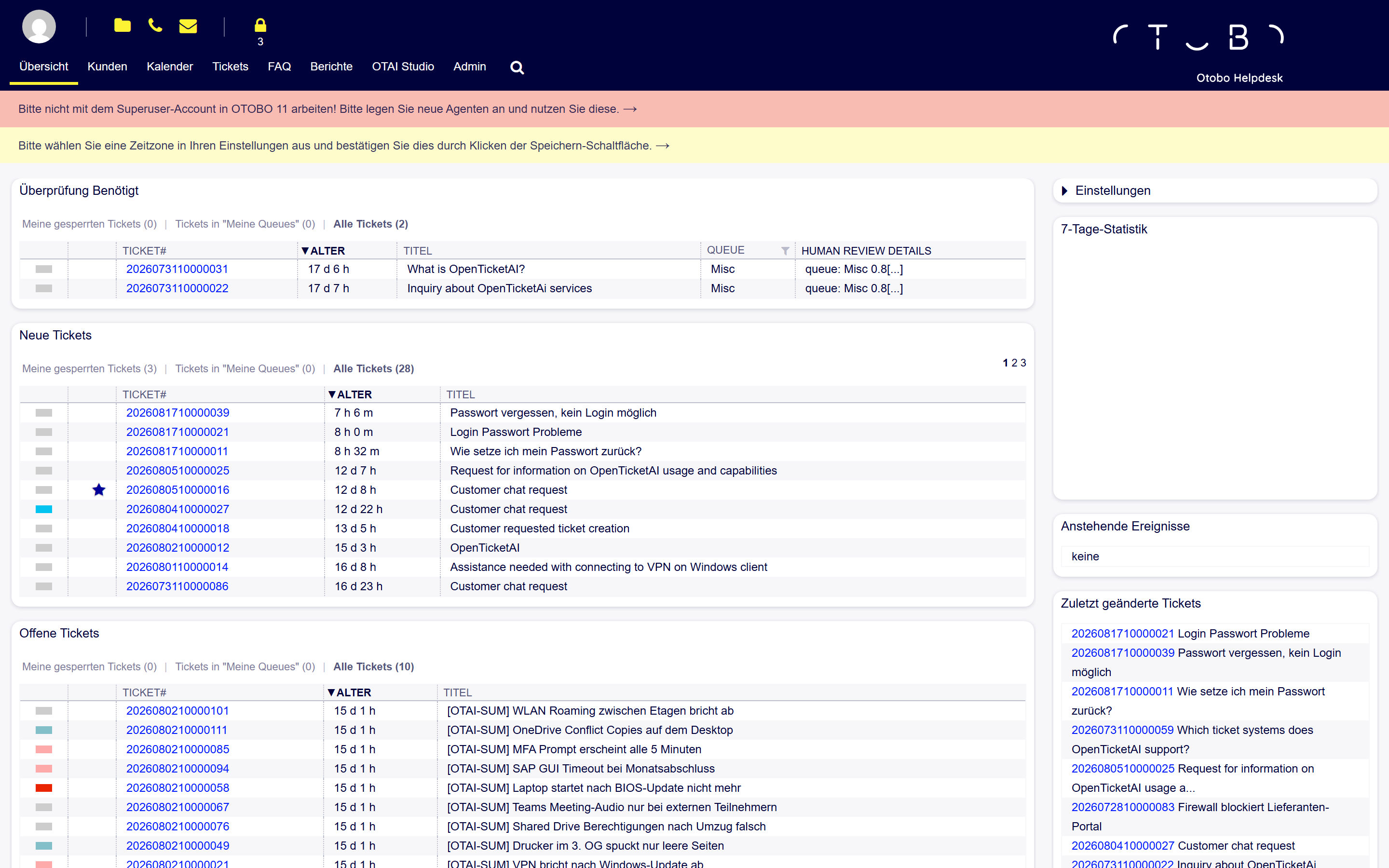
Locate OTAI Studio in the agent navigation:
-
Click OTAI Studio. SSO automatically redirects and authenticates you.
-
You land on the Studio dashboard.
If you see the Studio login page
Opening Studio directly bypasses SSO and displays a page with no login form:
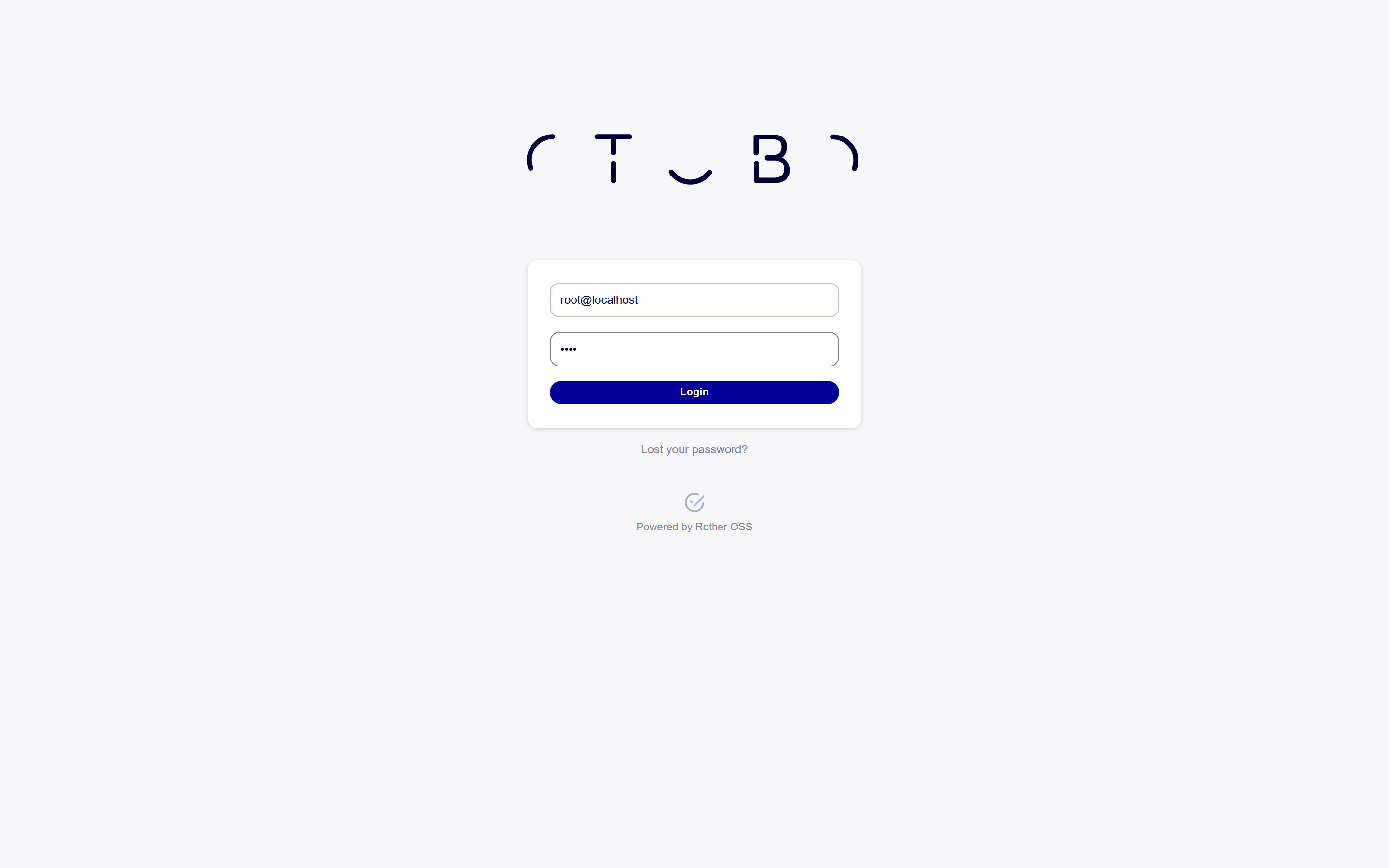
Click Open OTAI Studio via ticket system to return to your ticket system and sign in via SSO.
Back to the ticket system
Click Back to [Ticket System] in Studio to return to the agent UI. Your session remains active until you sign out.
Common problems
| Symptom | What to check |
|---|---|
| OTAI Studio menu item missing | Check package installation and group assignment. |
| Error about missing permission | Verify agent is in studio-admin (or configured group). |
| Can I sign in with a Studio password? | No. Always open Studio through your ticket system. |
| Stuck on login page after clicking | Check SSO configuration (secret / backend URL) with an admin. |
Related
- Studio Dashboard
- AI Tasks
- Handbook overview