
Chatbots
Set up the public, customer, and internal chatbots in Studio.
Chatbots
Studio keeps three chatbots. Each one has its own welcome text, knowledge, and tools. Ticket agents are a separate list — see Agents.
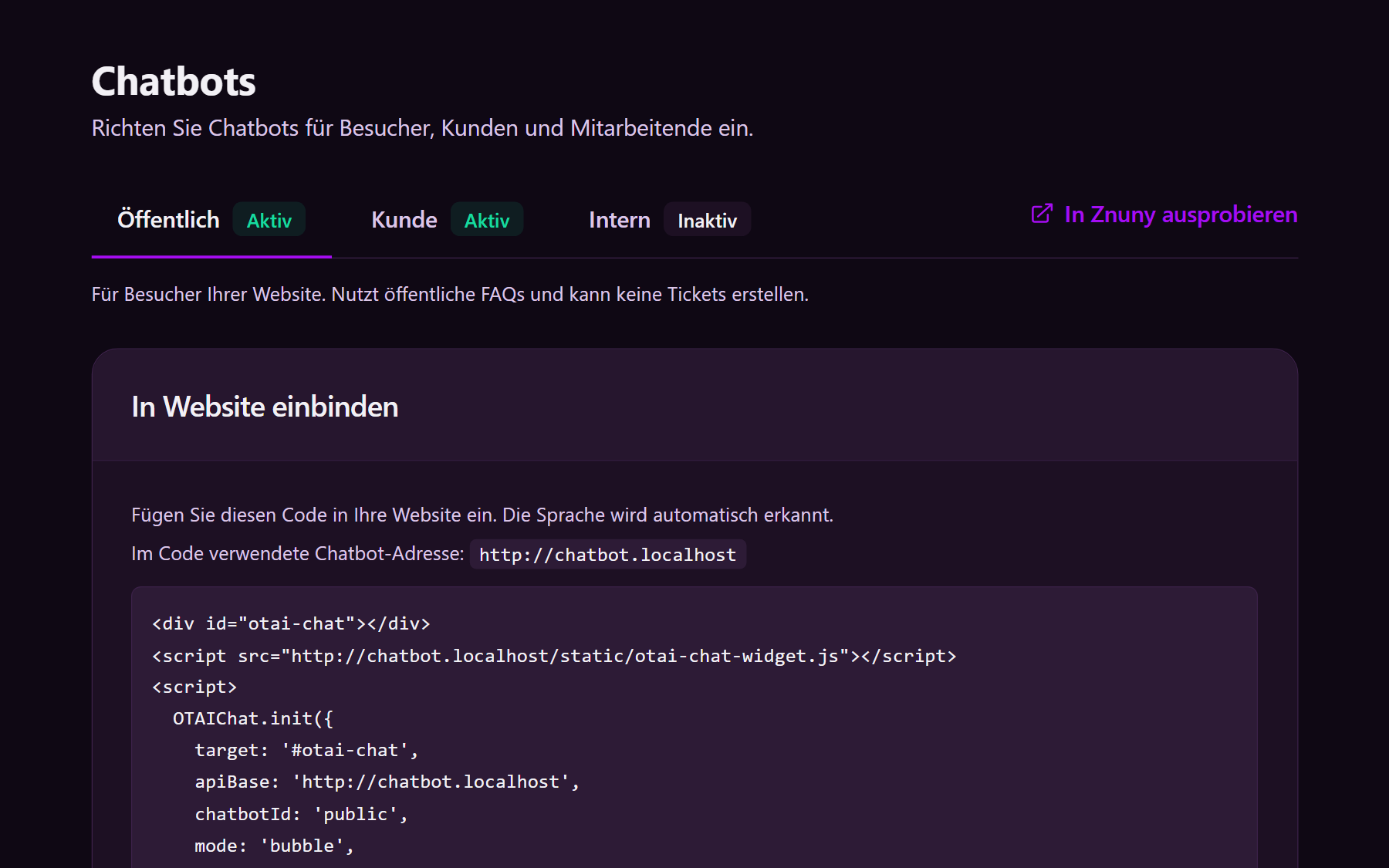
Open them
- Sign in.
- Click Chatbots.
- Choose Public, Customer, or Internal.
| Chatbot | Who uses it | Where they see it |
|---|---|---|
| Public | Website visitors, not logged in | Chat bubble from the embed snippet |
| Customer | Signed-in customers | Customer portal |
| Internal | Agents | AI Chat in the ticket system |
Turn a chatbot Active before anyone can use it. Try in … opens that chatbot in the ticket system.
How each one looks for the person using it: On the ticket, Agent chatbot, Customer chatbot, Public chatbot.
What you set
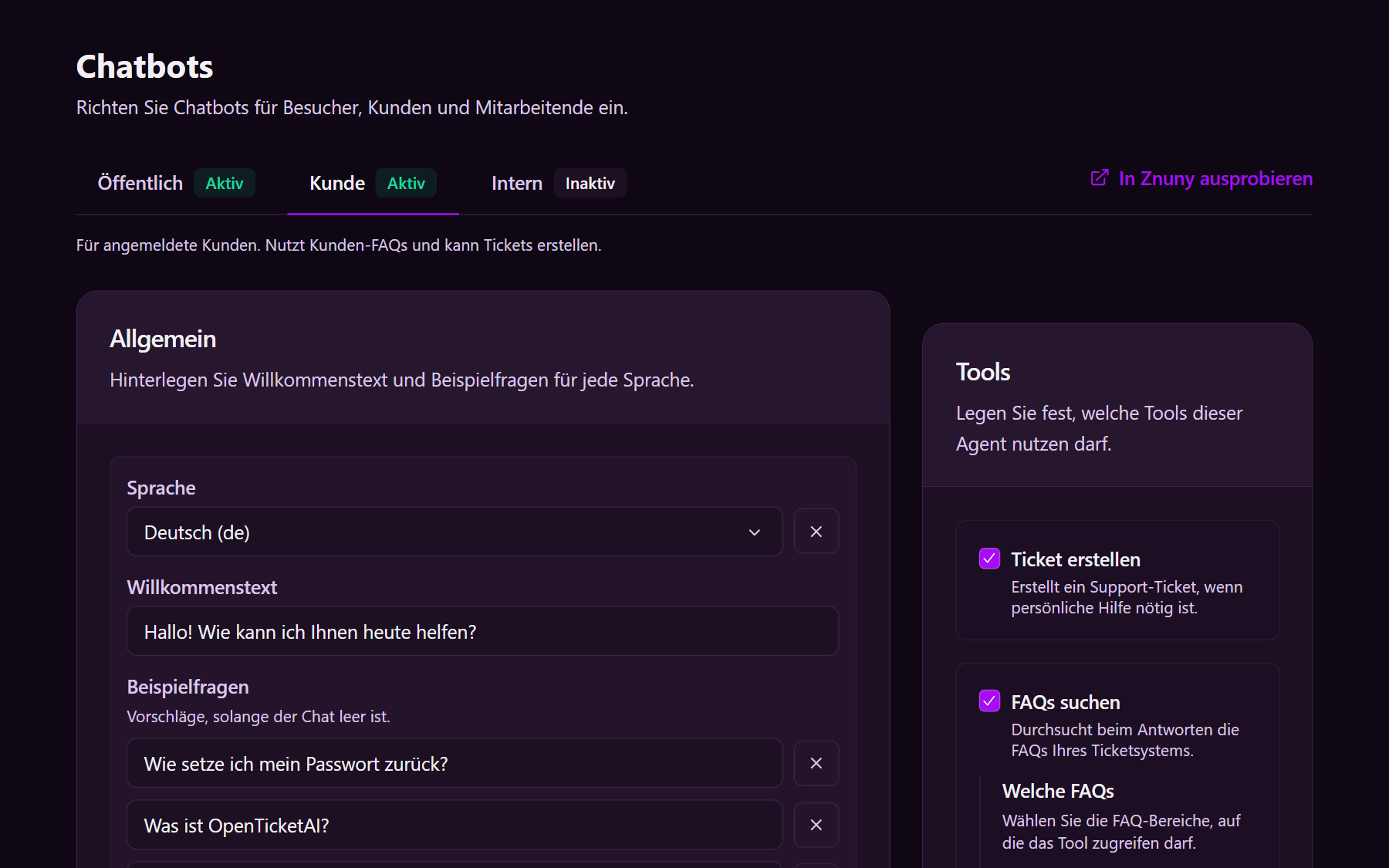
- Welcome message and Example questions, per language
- Extra knowledge — facts the chatbot must consider on every answer
- Allowed answers — only with a matching source, FAQ topics, or free answers
- Tools — which FAQs it may search, and whether it may create a ticket
- Add to your website — only on Public. Copy the snippet into the site. The public chatbot cannot create tickets.
KIX has no public FAQs. For that system, put the facts in Extra knowledge or allow customer-portal FAQs.