
Settings
Workspace, account, license, and theme inside Studio.
Settings
Settings is the workspace, your account, and the license.
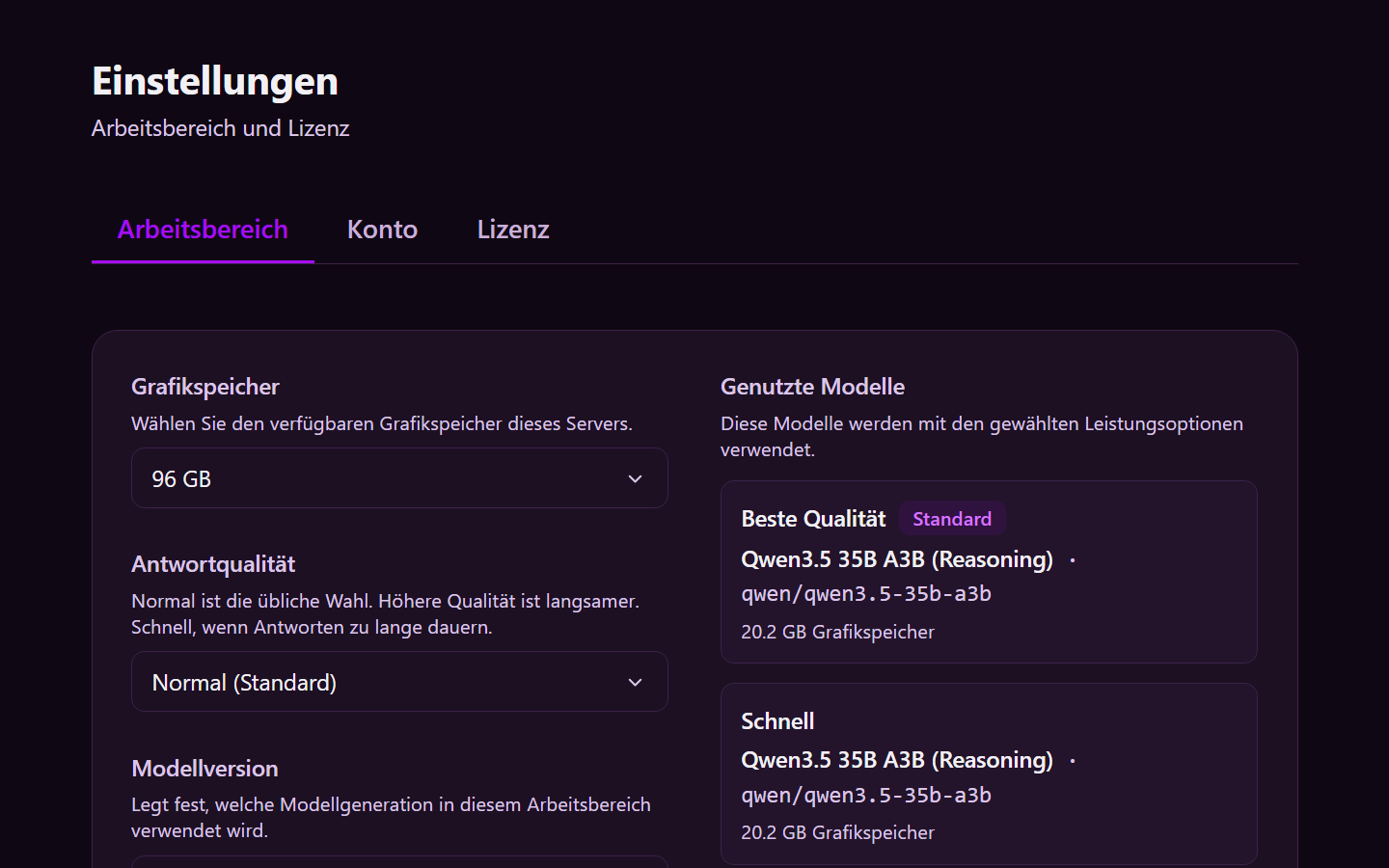
Workspace
| Setting | What it does |
|---|---|
| Graphics memory | How much GPU memory this server has. That decides which models can run. |
| Answer quality | Normal is the usual choice. Higher quality is slower. Fast is for when replies take too long. |
| Model version | Which generation of models this workspace uses |
| Theme | A shipped color theme for Studio. Own title, icon, and colors are on the server — see Theme. |
| Models in use | The models Studio assigns to agent types for the options above |
Save the workspace after you change it.
Account
Your name and language come from the ticket system. Change the language there, not in Studio. Studio has no password of its own — see Signing in.
License
License shows status, company, included features, agent limit, validity, and the software version. Changing the version is a server step — see Version.