
Studio Dashboard
Runs, chats, and active agents at a glance.
Studio Dashboard
The Dashboard is the home screen after signing in. It shows recent agent runs, chats, and human-review results from this server.
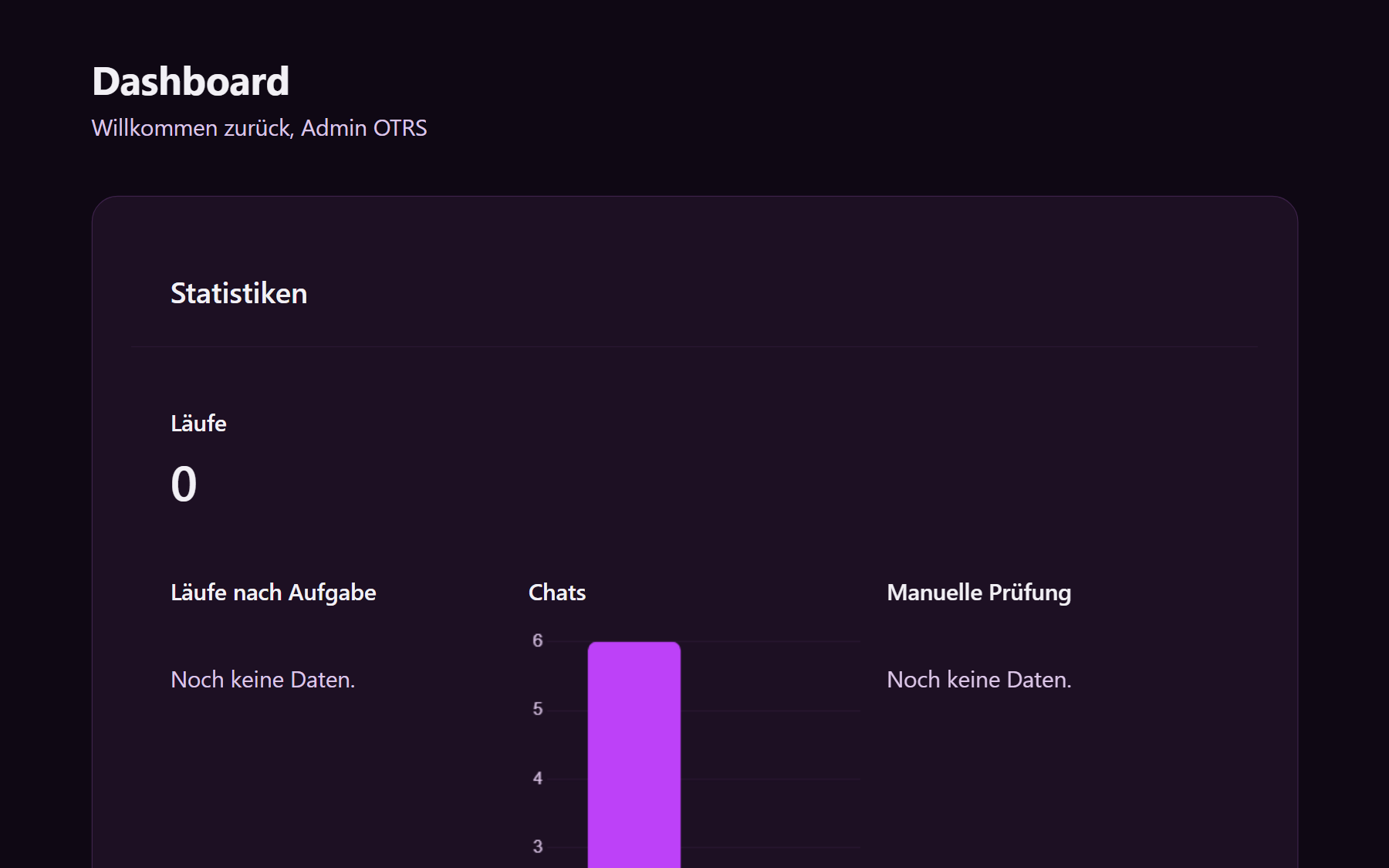
What you see
| Card | Meaning |
|---|---|
| Runs | How many agent runs have completed |
| Runs by task | Split by agent kind (queue, summary, reply draft, and the others) |
| Chats | Chat sessions for the public, customer, and internal chatbots |
| Human review | Accepted versus corrected predictions |
| Latest 5 runs | The most recent agent runs, with type, status, and start time |
| Latest 5 chats | The most recent chat sessions, with chatbot and message count |
| Active agents | Agents that are Active and therefore running |
If nothing has run yet, the page says to activate an agent or start a chat. Open an active agent from the list, or create one under Agents.
Which cards appear is set on the server. See Dashboard layout.
Navigation
In the left sidebar:
- Dashboard — this page
- Agents — list and create ticket agents
- Chatbots — public, customer, and internal chat
- Settings — workspace, account, and license
- Back to … — return to the ticket system