
On the ticket
Read classification, summary, title, and reply draft in the ticket system.
On the ticket
Agents write their result back onto the ticket. You read it in the ticket system — you do not open Studio for that.
What was classified
Open the ticket. The usual ticket fields show the value the agent wrote:
- Queue (OTOBO / Znuny) or Group (Zammad)
- Priority
- Type
- Service
- A dropdown DynamicField, when that agent is configured
When confidence was too low, the ticket can show a fallback value or a human-review flag instead of the raw prediction. The exact field names come from the OpenTicketAI package in your ticket system.
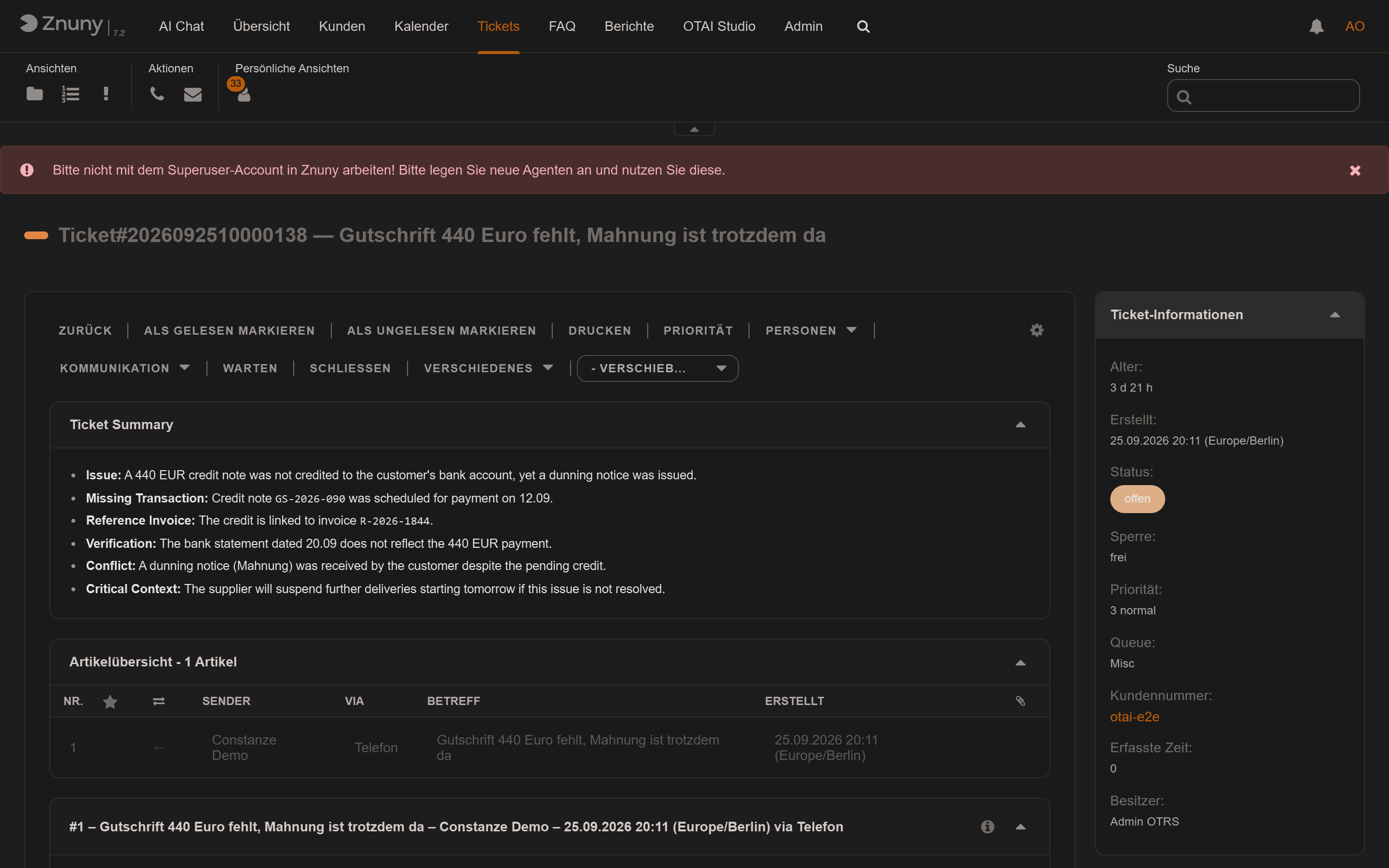
Summary and title
A summary agent writes the summary into its target field (often
OTAISummary). On Znuny and OTOBO it appears as Ticket Summary on the
ticket zoom.
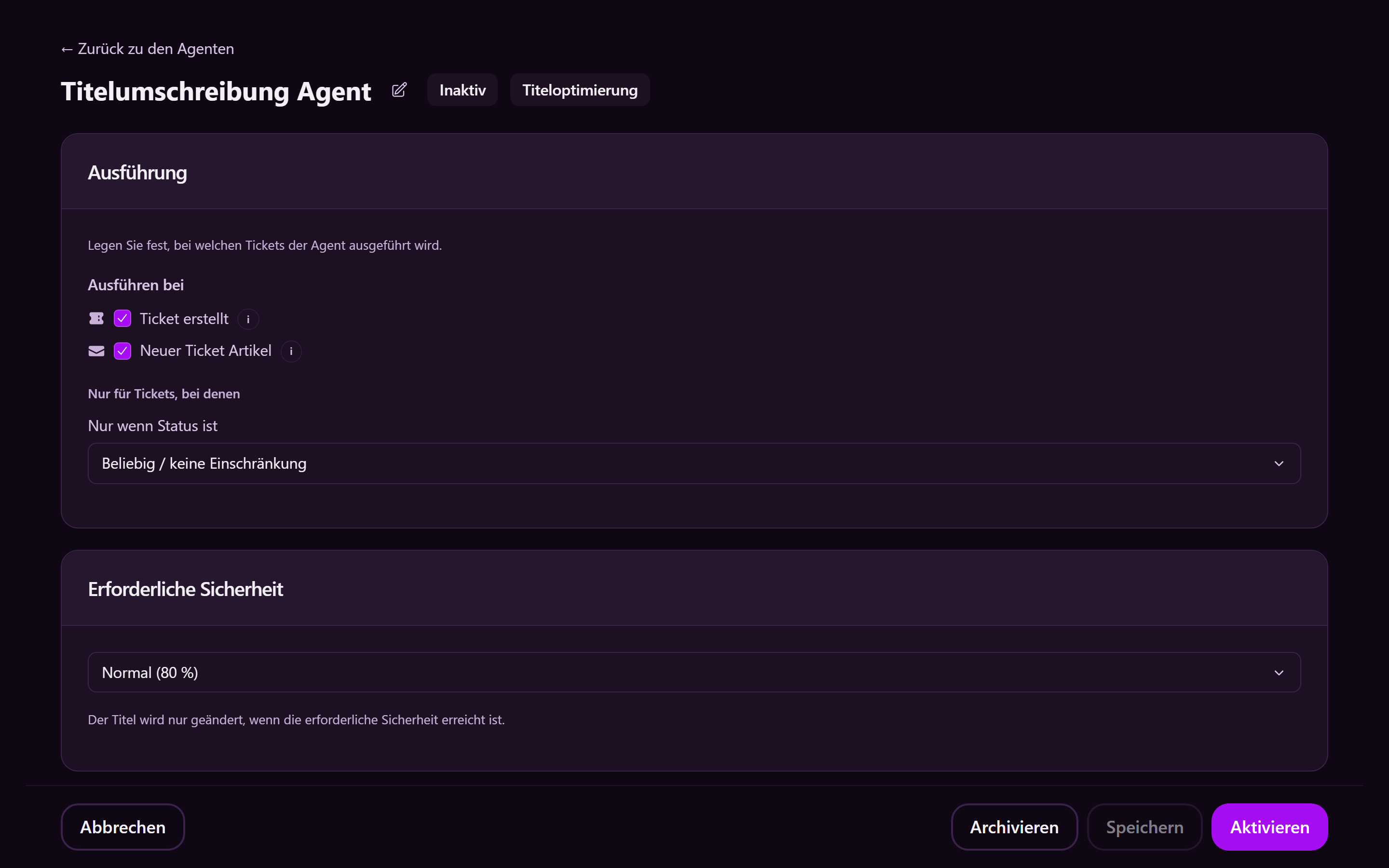
A title-rewrite agent replaces the subject only when the new title is confident enough and short enough. The new subject is the ticket title.
Reply draft
A reply-draft agent does not send mail. On the ticket, the draft is one of:
| State | Meaning |
|---|---|
| Ready | Subject and body are complete enough to review |
| Partial | Useful text, but something is still missing |
| Skipped | No safe reply was possible; the reason stays internal |
Use draft opens the note screen with subject and body filled in. Read both, edit them, then send yourself.
Chat
Agents also have a chat next to the ticket work:
- Agent chatbot — AI Chat in the agent menu
- Customer chatbot — customer portal
- Public chatbot — your website