
Public Authority Helpdesk in OTAI Studio: Queues, Priorities, and a Narrow Public Chatbot
Set up OTAI Studio for a public authority: queue and priority Agents, run conditions, and a public chatbot limited to hours and how to file a request.

This setup is for a public authority that runs its own service desk: badge requests, facility faults, workplace IT, procurement intake, and a registry of written requests. It is not a layout for a consultancy. Personal and case data stay on the authority’s infrastructure (Full On-Prem). OTAI Studio classifies tickets and answers from published FAQs. It does not decide cases or close them.
KIX is a supported ticket system; there the product is KIX Studio, and KIX has no public FAQ area, so a public chatbot there uses extra knowledge or customer-portal FAQs.
Agents to create
Open Agents. Sync values from the ticket system and describe them. Classification is zero-shot. There is no training on archived cases.
Queue classification on OTOBO or Znuny:
| Queue | When it applies |
|---|---|
| Access and badges | New badge, replacement, visitor escort requests |
| Facilities | Building faults, rooms, keys |
| Workplace IT | Accounts, devices, line-of-business login faults |
| Procurement intake | Purchase requests that only need a file number |
| Written requests | Formal inbound that must be registered, not answered by the chatbot |
| Records office | File retrieval for staff, under the authority’s own rules |
On Zammad, classify Groups. Zammad does not use queues.
Priority classification. Describe operational impact:
- Highest: the case-file or registry system is unreachable during office hours
- High: a badge or access fault that blocks someone who is already on site today
- Normal: a procurement or records request inside the usual time
- Low: a question about published opening hours
Minimum confidence: Normal (80%). Under that, flag for human review. Do not set a fallback that marks a request as granted. Studio also has a demo, Example priority classification: administration, on a sample DynamicField. Copy the description style, then use the live priority Agent. See Classification agents.
Summarization into a DynamicField for the registry handoff. See Summary agents.
Reply draft only for “your request is registered under this number.” Formal style. A clerk sends it. See Reply draft agents.
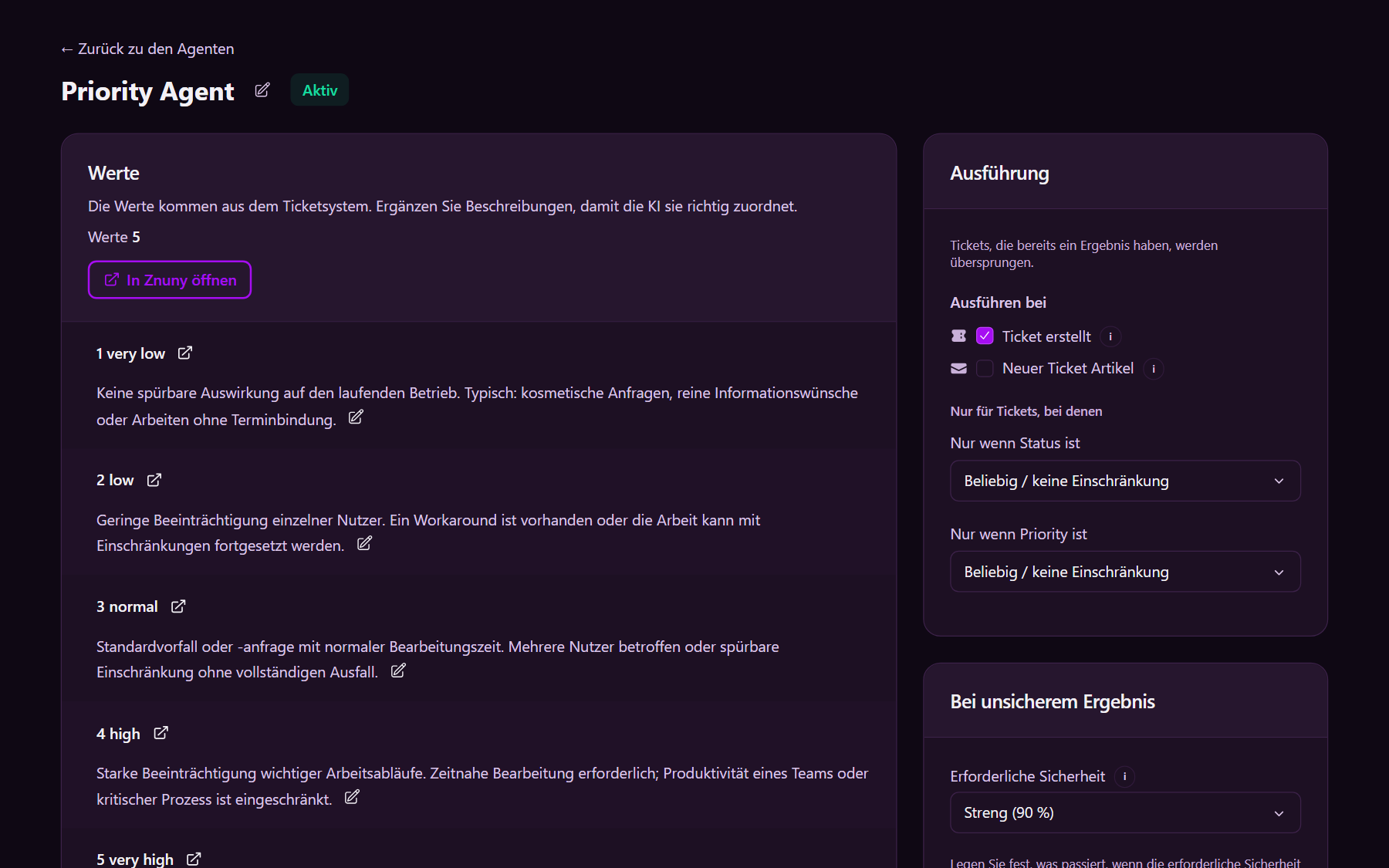
Run conditions
On each ticket Agent, Run conditions:
- Ticket created
- State
new - Target field empty
- Activate
A second agency with its own ticket system is a second Full On-Prem installation, with separate Agents and Chatbots.
What the public chatbot may say
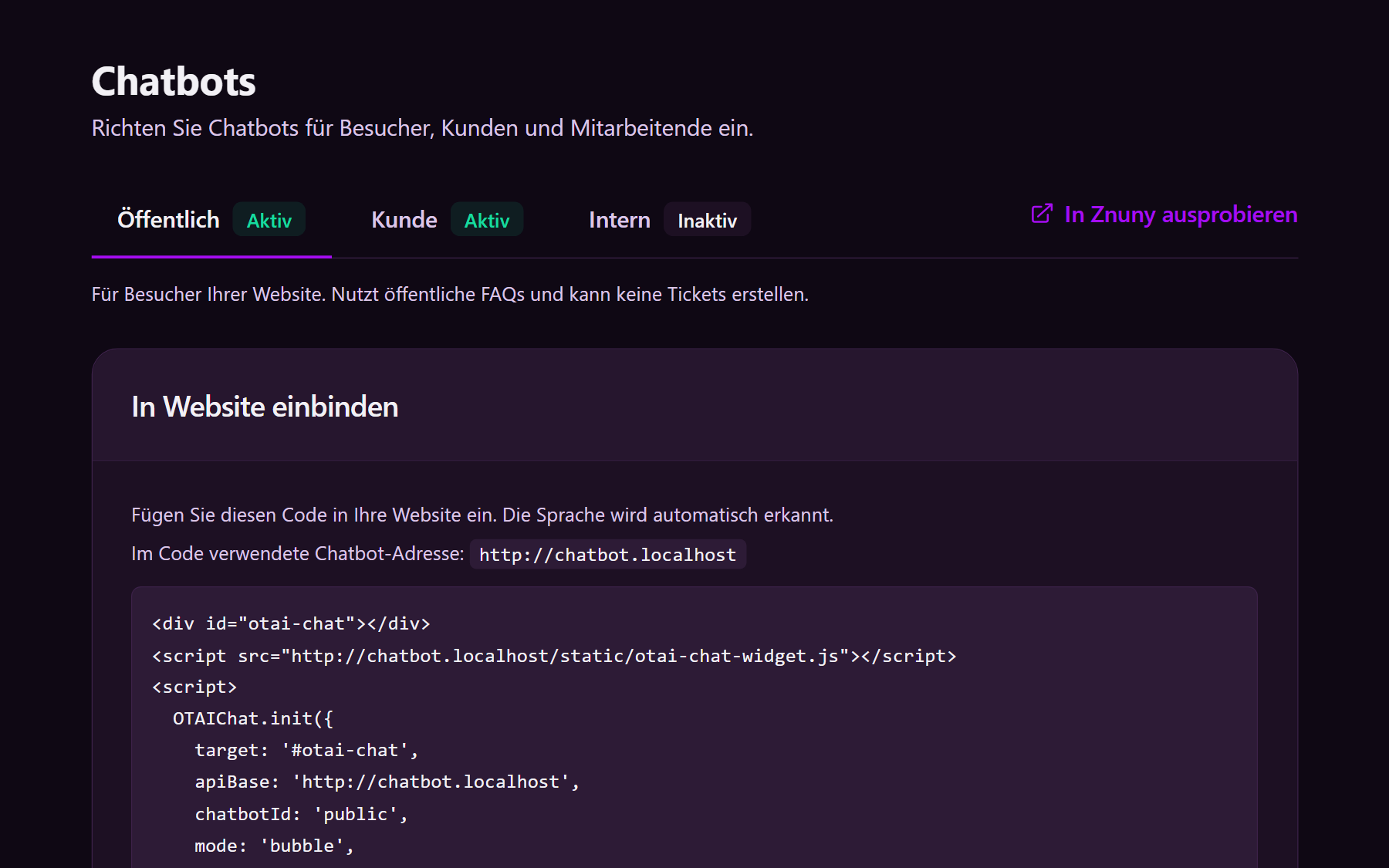
Chatbots → Public. Search Public FAQs only. Matching source only.
Publish a short set in the ticket-system FAQ (FAQs):
- Office hours and the public entrance
- How to submit a formal request (address, form, what to attach)
- Visitor registration steps that are already public
- Which phone or mailbox receives which topic
Keep internal procedures, file plans, and staff directories out of the public area. The public chatbot cannot create a ticket. The welcome text should say the chat does not process the request.
Customer and internal
Customer, if the authority has a signed-in portal. Search Customer FAQs and allow Create ticket for a request the FAQ does not cover. See the customer chatbot.
Internal for staff (AI Chat). Search Internal FAQs: which queue registers a written request versus a facility fault. See the agent chatbot.
A Free Cloud Trial is evaluation only. Production is Full On-Prem, including OTOBO, Znuny, and the framing on the government solution page.